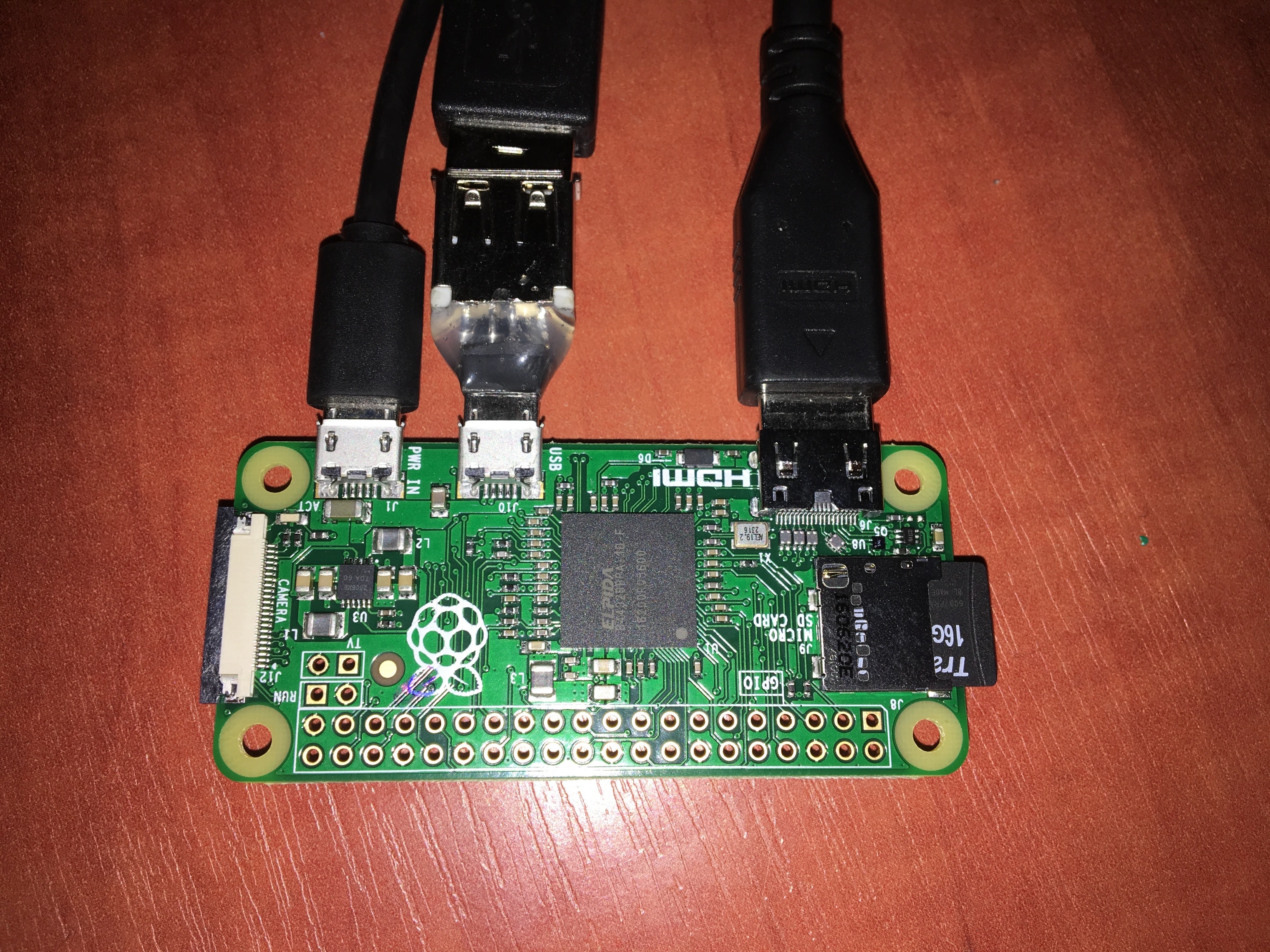
My Raspberry Pi Zero for 5 bucks

Raspberry Pi Zero - video test

I’ve been contemplating the idea of employing a Raspberry Pi for a pet project of mine. This project requires both audio and video playback capabilities over a sustained period. Naturally, my aim is to keep the hardware costs to a minimum. Hence, the Raspberry Pi Zero, which is effectively a $5 computer (though in actuality, it costs around $20) presents an attractive option. The quality of playback truly exceeded my expectations. It’s commendably good! However, it’s not without its flaws. For instance, upon starting video and audio playback, the initial few seconds of sound are truncated. Considering the nature of the device, this minor hiccup doesn’t deter from its overall performance. I urge you to check it out yourself here: ...
12 January, 2017 · 2 min
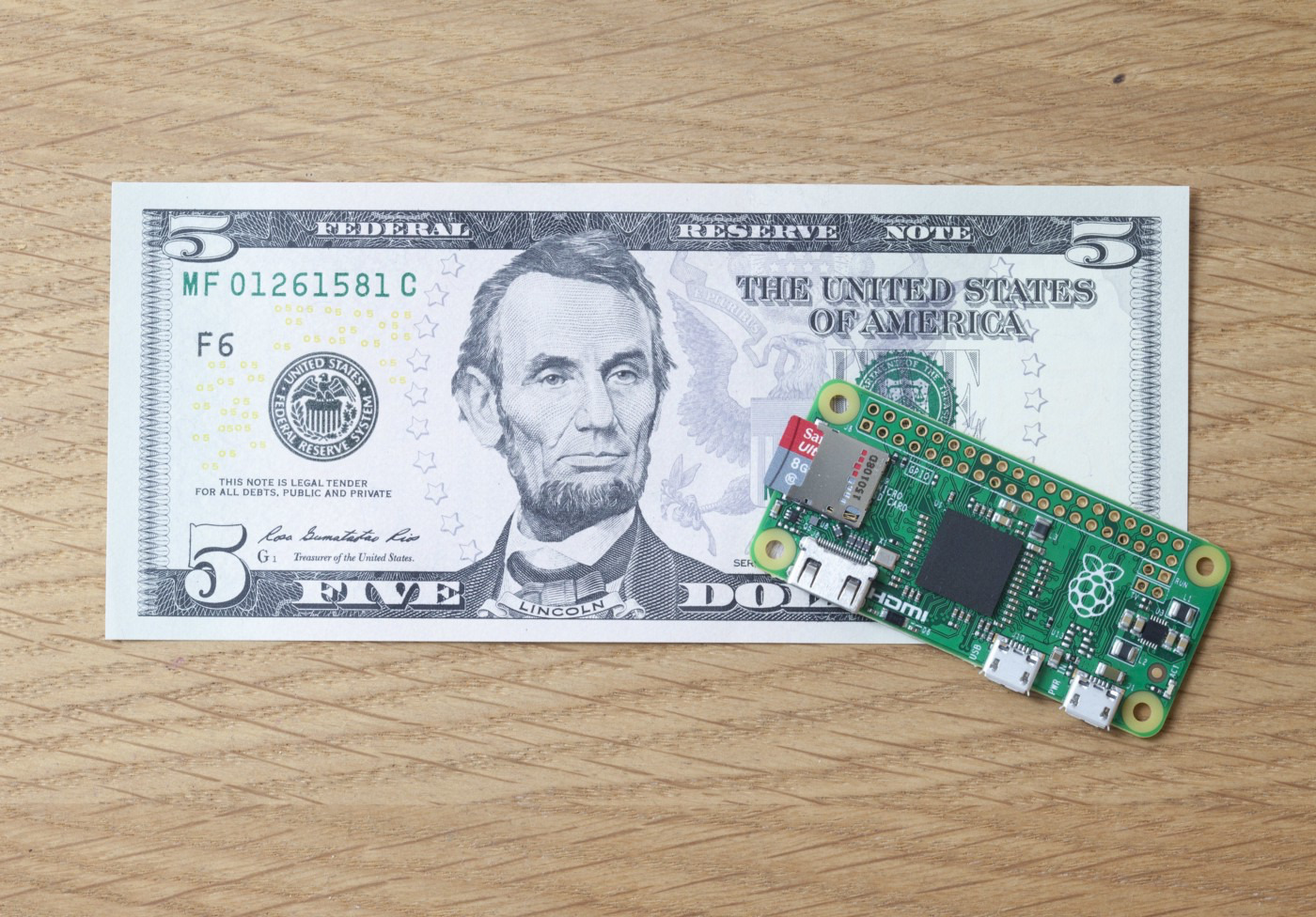
Raspberry Pi Zero compared to a dollar bill

Raspberry Pi Zero - unboxing and first test

I received a Raspberry Pi Zero as a Christmas gift! It’s a mini computer that’s even smaller than a credit card - it can easily fit into the palm of your hand. Here’s the rundown of its hardware: It’s equipped with a 1GHz ARM11 core. Contains 512MB of LPDDR2 SDRAM. Includes an HDMI port. Comes with 2 Micro-USB ports. Features a 40-pin GPIO (useful for connecting your own sensors and devices). Upon holding it for the first time, I was momentarily perplexed. It only had two Micro-USB ports, with one already designated for power supply. I was left wondering how to connect the keyboard, mouse, and Wi-Fi module. The conundrum was resolved when I remembered the existence of USB hubs, which were developed along with USB technology. ...

7 January, 2017 · 2 min